
Message Bar

Message Bar highlights time-sensitive campaigns and offers with a brief, easy-to-scan message and a prominent link.
How to use
Section titled “How to use”Use Message Bar to promote time-sensitive campaigns and offers.
- Keep the
descriptionconcise and scannable.lgand above: max 1 linemdand below: max 2 lines
- Provide one clear
actionlink that takes the user to the campaign landing page. - Use one primary link only (avoid secondary actions).
- Responsive behavior:
- On
smandmd,descriptionandactionstack vertically. - On
lgand above,descriptionandactionsit on the same row.
- On

Example of a Message Bar.
Message Bar uses neutral background with inverted foreground for both description text and link label.
Color mode
Section titled “Color mode”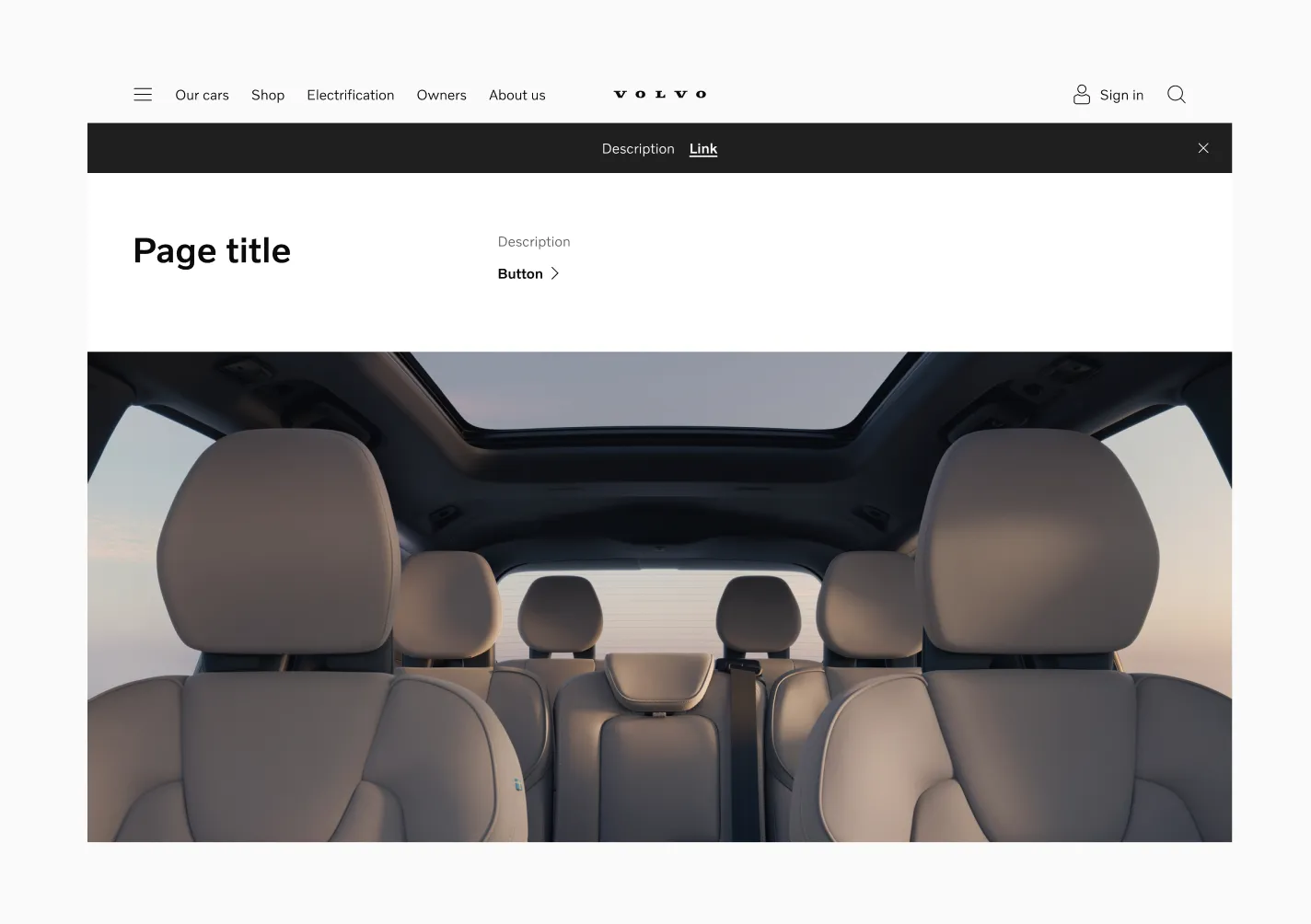
Message Bar in a light-mode layout.
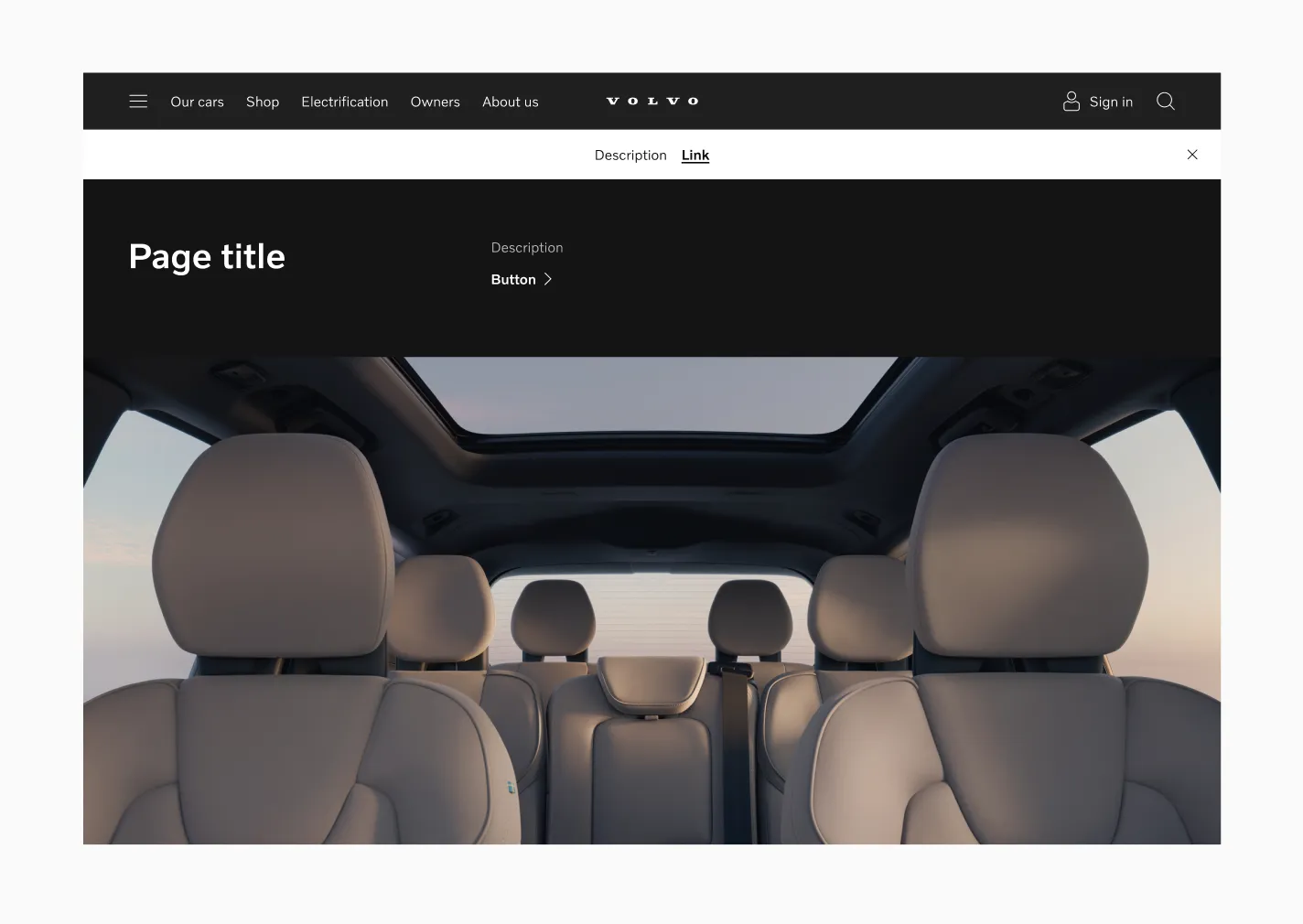
Message Bar in a dark-mode layout.
Target size
Section titled “Target size”
The action link uses a 40px target size.
Spacing
Section titled “Spacing”
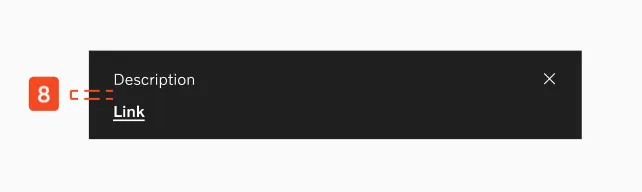
lgand above: 16px horizontal spacer betweendescriptionandaction.mdand below: 8px vertical spacer betweendescriptionandaction.
Examples
Section titled “Examples”
Campaign / offer promotion.
Considerations
Section titled “Considerations”Content
Section titled “Content”Keep the description scannable (aim for 1 line on lg+, max 2 on md and below). Use one clear action label that describes what happens next.
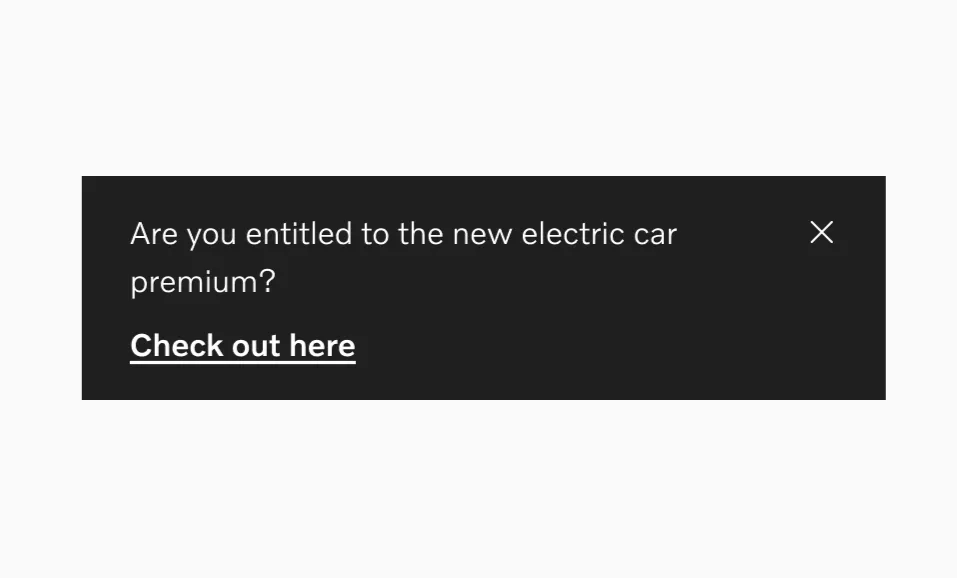
Do use a concise description and a clear action label (“View offers”, “Learn more”, “Book service”).
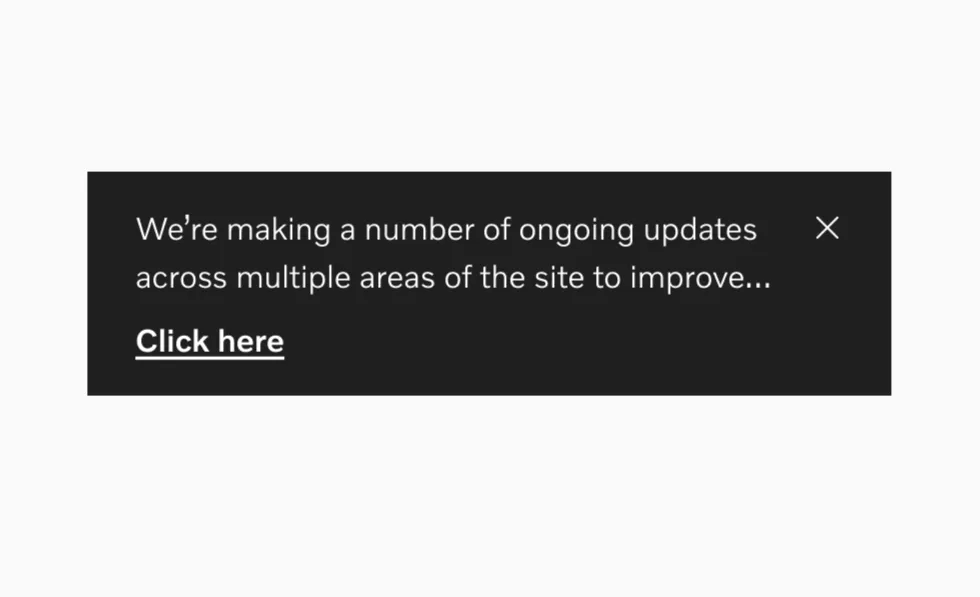
Don’t write a long, multi-topic description or use vague CTAs that don’t say what happens next.