


Private lease EX60 with included insurance
Private Lease
From 8 495kr/month
ShopContent containers for displaying related information with text-only or media-and-text layouts.
The text card displays text content with a secondary background. The action slot anchors to the bottom, keeping layouts consistent even when cards have varying amounts of content.
Use <article> for standalone cards or <li> when rendering a list.
Private Lease
From 8 495kr/month
Shop<!-- Set your own height or min-height. The card sizes to its content by default --><article class="text-card" style="height: 400px; max-width: 375px"> <h3 slot="title">Private lease EX60 with included insurance</h3> <p slot="subtitle">Private Lease</p> <p slot="body">From 8 495kr/month</p> <a class="link-underlined" slot="action" href="#">Shop</a></article>This component uses slots to give content built-in styling.
slot="title" – Primary headingslot="subtitle" – Secondary textslot="body" – Supporting textslot="action" – Link or buttontitle
subtitle
body
action
<article class="text-card" style="height: 300px"> <code slot="title">title</code> <code slot="subtitle">subtitle</code> <code slot="body">body</code> <code slot="action">action</code></article>Text cards are free-forming and don’t have a built-in height. They size to their content by default. Set an explicit height or min-height on the card (or its container) to add whitespace and separate the action slot from the body content. For consistency, use one of the aspect ratios from the media component where possible: 1/1, 4/5, 2/3, 4/3, 3/2, 16/9, or 21/9.
height or min-height directly on the card elementheight or min-height on the grid container. All cards in the row stretch equally, aligning the action slots at the bottomThe height: 400px in the examples above is just for demonstration. Choose a value that suits your content and layout.
The media card adds an image above the text content. The media slot defaults to a 1 / 1 aspect ratio with object-fit: cover, making it suitable for product imagery.
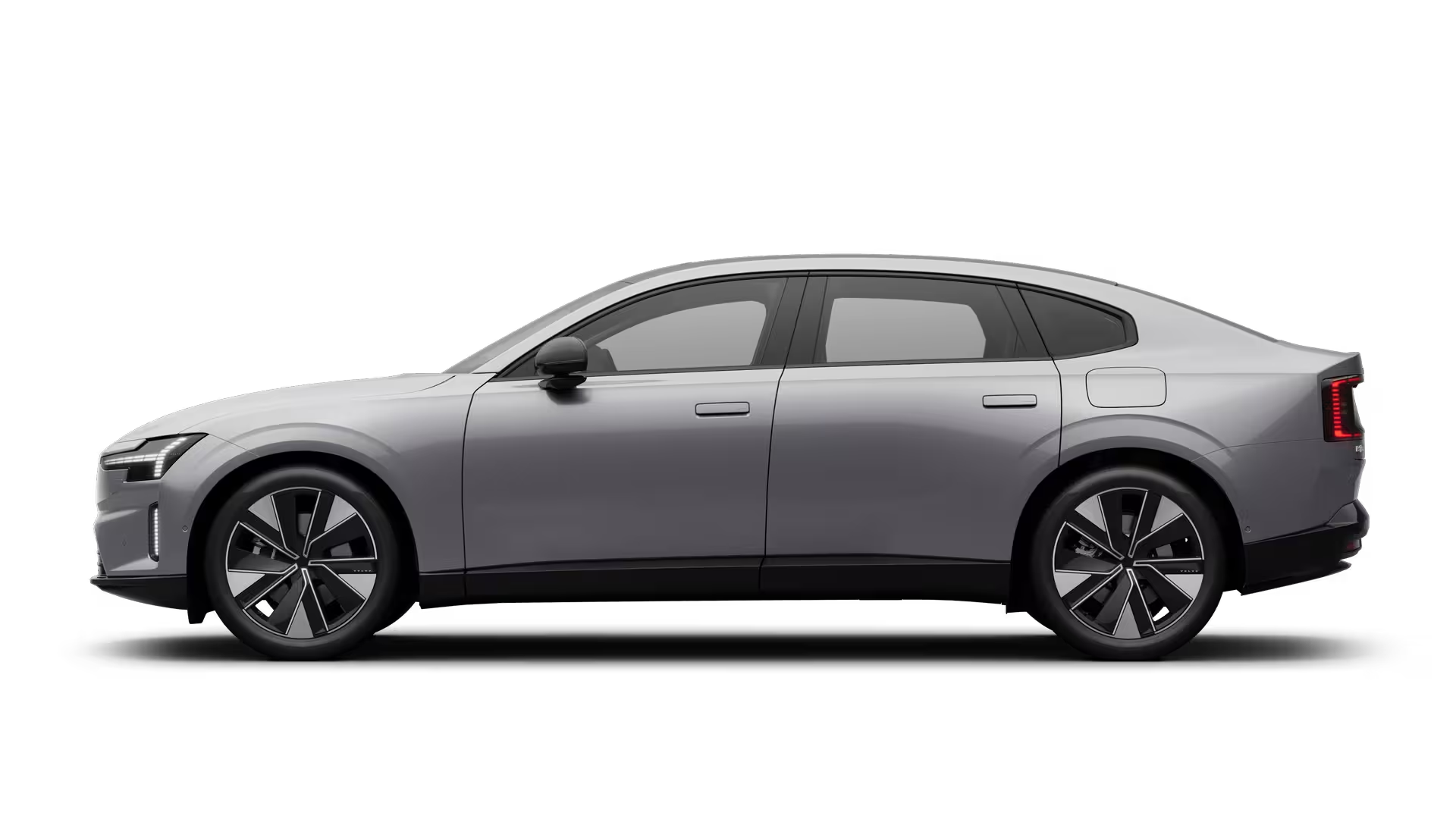
Electric
From 5990 kr / month or 670 000 kr
<article class="media-card" style="max-width: 425px"> <img slot="media" class="img object-contain" src="/images/cars/thumbnails/es90.avif" alt="" /> <h3 slot="title">ES90</h3> <p slot="subtitle">Electric</p> <p slot="body">From 5990 kr / month or 670 000 kr</p> <button class="link-underlined" slot="action" type="button">Explore</button></article>This component uses slots to give content built-in styling.
slot="media" – Image or videoslot="title" – Primary headingslot="subtitle" – Secondary textslot="body" – Supporting textslot="action" – Link or buttonmedia
title
subtitle
body
action
<article class="media-card" style="max-width: 360px"> <div slot="media" class="bg-feedback-gray flex items-center justify-center h-full" > <code>media</code> </div> <code slot="title">title</code> <code slot="subtitle">subtitle</code> <code slot="body">body</code> <code slot="action">action</code></article>The media card’s size is defined by the media’s aspect ratio. Override the default 1 / 1 ratio with aspect ratio utility classes on the media element, such as aspect-4/5 or aspect-16/9, for compact or tall layouts.
The media card’s media slot accepts an image or a video. Both use the aspect-ratio and object-fit utilities documented in Media.
Media cards are designed to be used in a grid of 2, 3, or 4 columns, stacked vertically, or inside a Reel.
Use CSS grid utilities to arrange multiple cards, with <li> elements using the text-card or media-card class inside a <ul>. Give the grid container a fixed height so cards stretch with their grid row and the action slots align at the bottom across cards.
In vertical columns and grids, cards can use gridded-element-gap for a tighter fit or the more traditional gutter depending on context. See spacing tokens for details.
<article> for standalone cards that make sense on their own, or <li> inside a <ul> for card groupsalt text for product images, or use alt="" with aria-hidden="true" for decorative images<h2>, <h3>, etc.) based on the page hierarchy| Class | Description |
|---|---|
text-card | Text-only card with secondary background and bottom-anchored action. |
media-card | Card with image (1:1 cover) and text content. Suitable for product listings. |