
Breadcrumbs

The breadcrumb is a secondary navigation pattern that helps a user understand the hierarchy among levels and navigate back through them.
Anatomy
Section titled “Anatomy”Default
Section titled “Default”Default is used for md and lg breakpoints. Example with 3 pages.

- Trail
- Separator
- Trail
- Current page label (Not interactive)
Last link of the trail
Section titled “Last link of the trail”Last link of the trail is used on sm breakpoint.
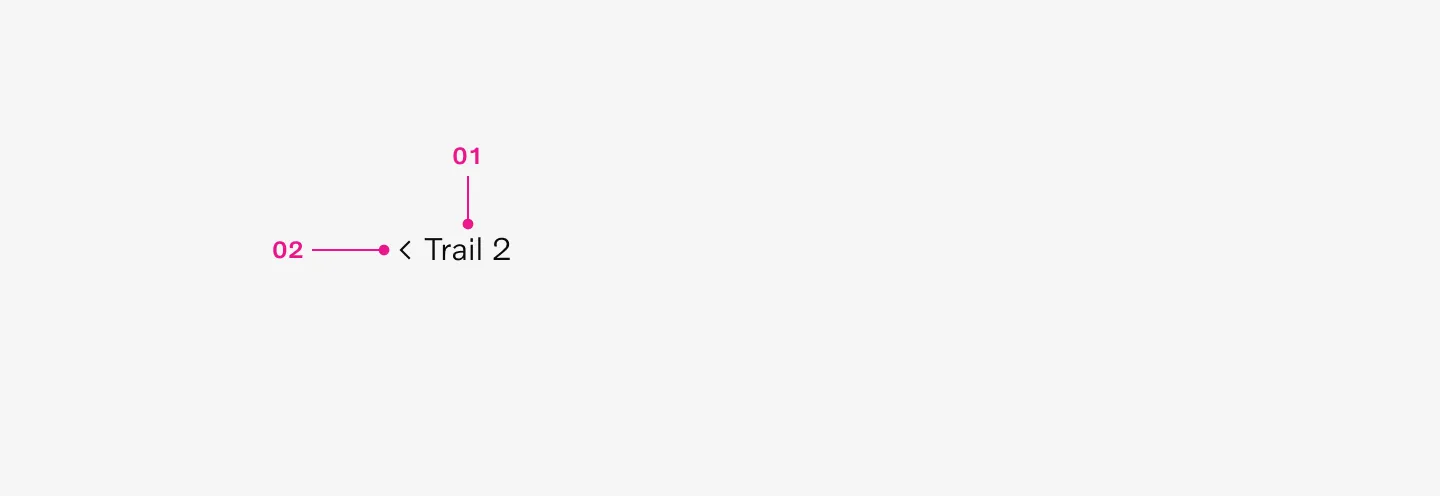
- Last link of the trail
- Chevron back
How to use
Section titled “How to use”Breadcrumbs show users their current location relative to the information architecture and enable them to quickly move up to a parent level or previous step.
When to use
Section titled “When to use”Breadcrumbs are useful in products and experiences with a vast amount of content organized in a hierarchy exceeding two levels. They occupy minimal space while providing context about the user’s location within the navigation hierarchy.
When not to use
Section titled “When not to use”Breadcrumbs should be considered as secondary and should not replace the primary navigation completely. They are not recommended for products with single-level navigation as they can create unnecessary clutter.
Variants
Section titled “Variants”lg and md
Section titled “lg and md”Breadcrumbs on lg and md breakpoints can show up to 5 pages. Trail 1 and Current page are always visible.
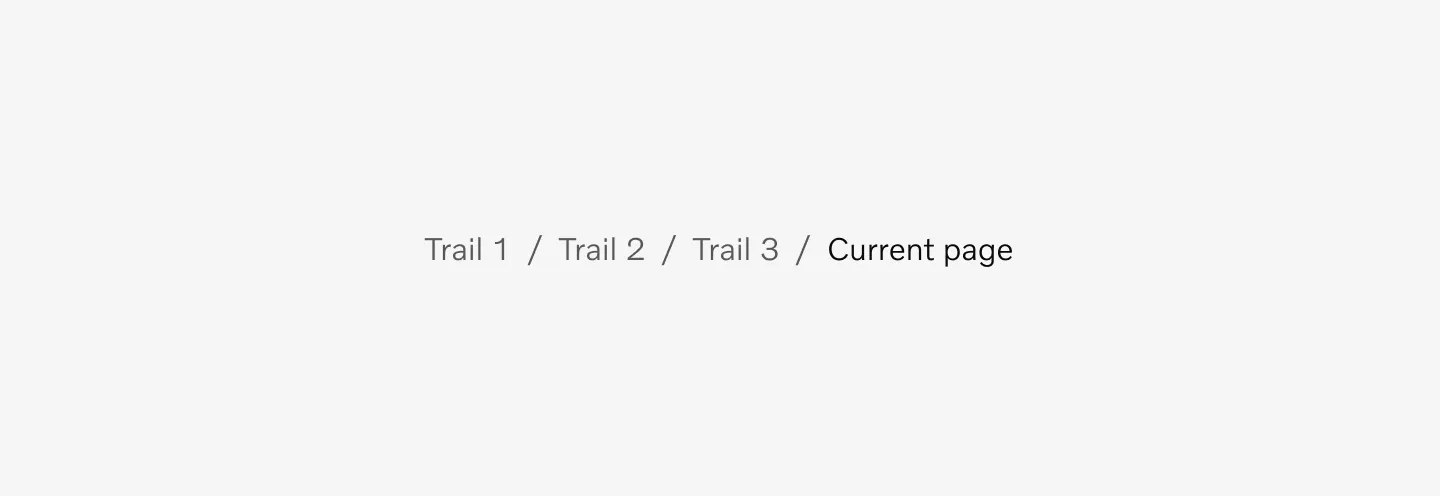
Displaying Breadcrumbs in lg and md breakpoint.
Breadcrumbs on sm breakpoint is using the last link of the trail that takes you backwards one page. This should not be used for any other breakpoints.

Displaying Breadcrumbs in sm breakpoint.
Placement
Section titled “Placement”Top of page
Section titled “Top of page”Breadcrumbs are placed in the top left portion of the page. They sit underneath the navigation, but above the page title.
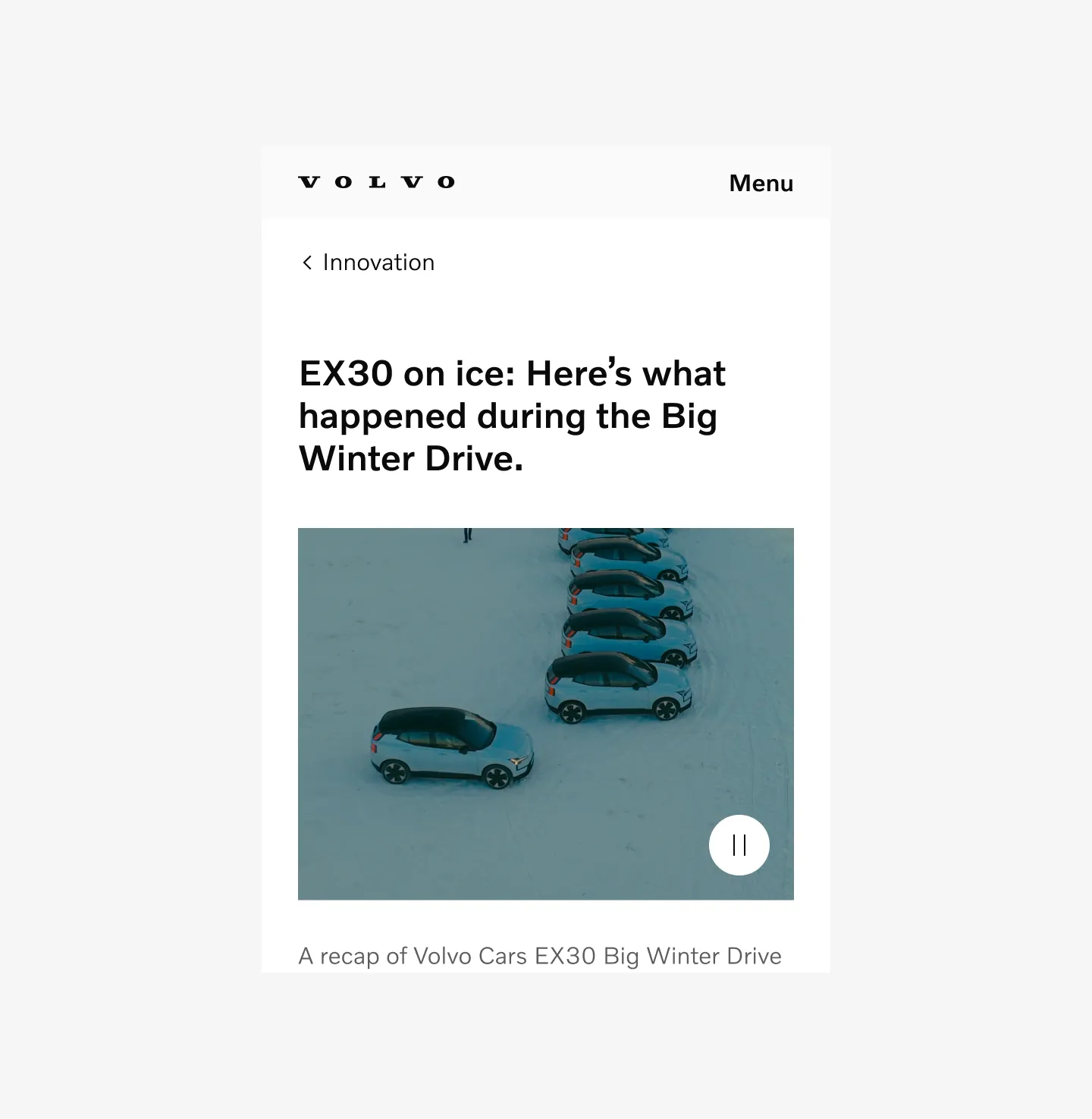
Displaying Breadcrumbs at the top of the page in sm breakpoint.
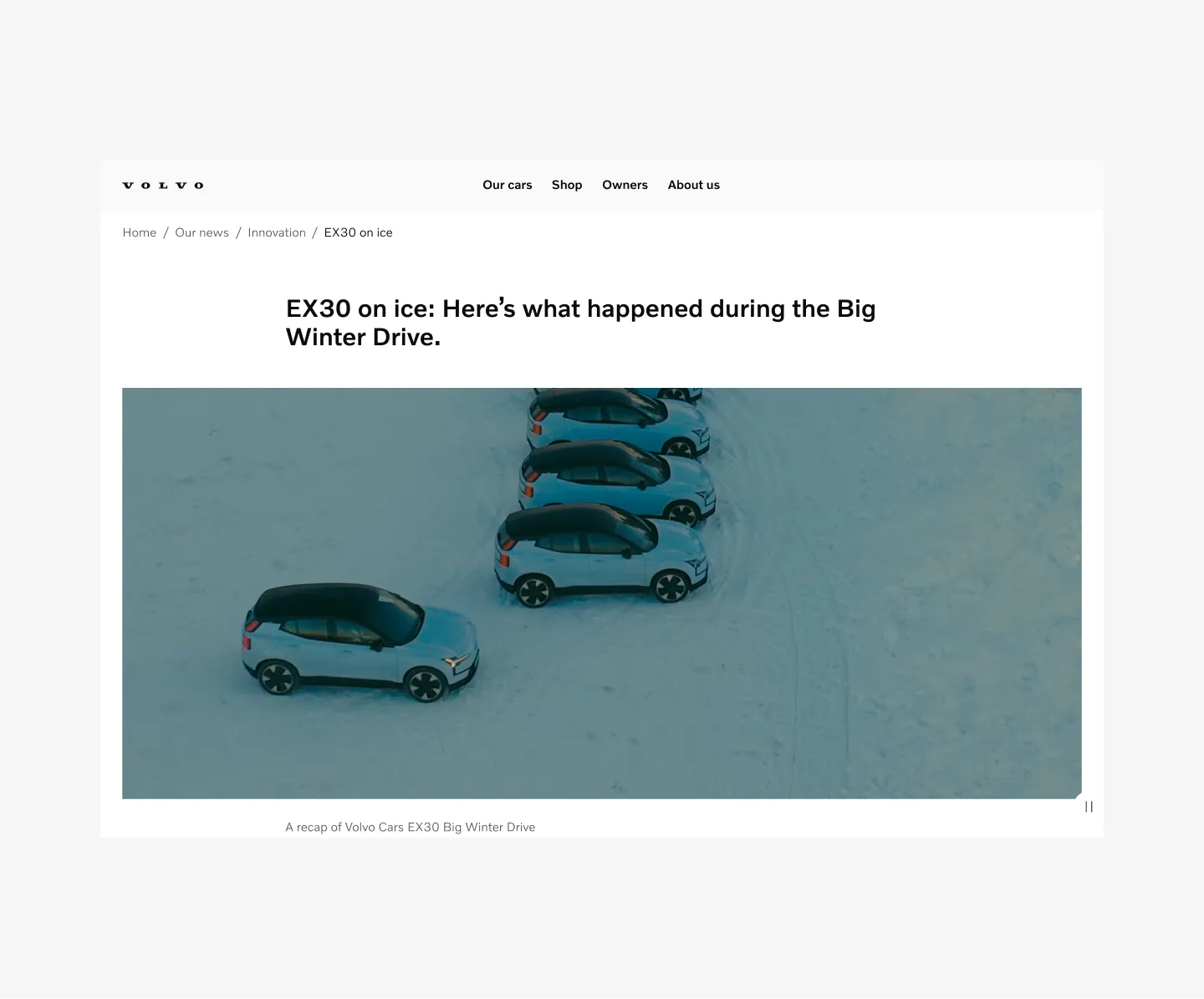
Displaying Breadcrumbs at the top of the page in lg breakpoint.
Bottom of page
Section titled “Bottom of page”Breadcrumbs can also be placed in the bottom of the page after content above the Footer.
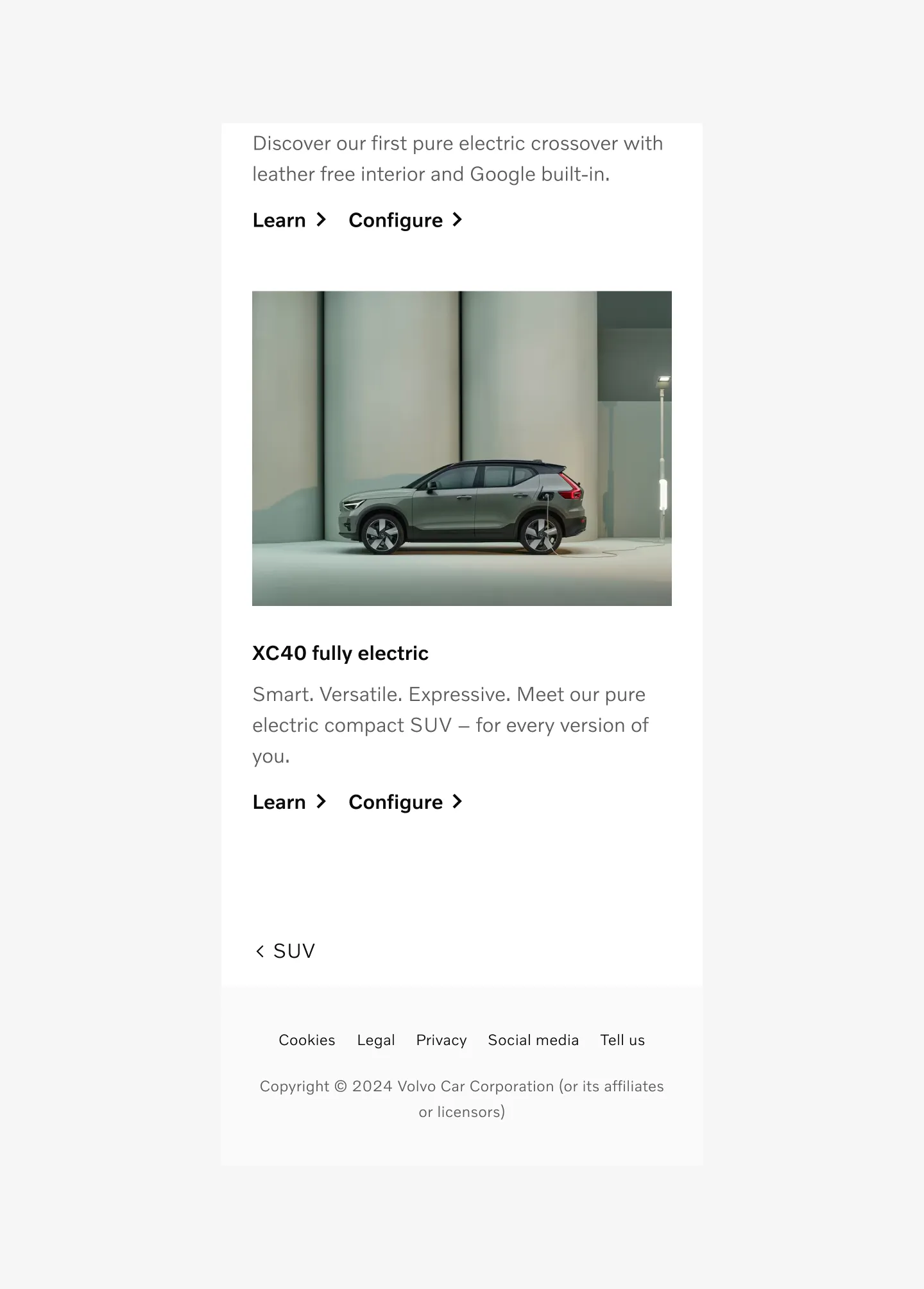
Displaying Breadcrumbs at the bottom of the page in sm breakpoint.
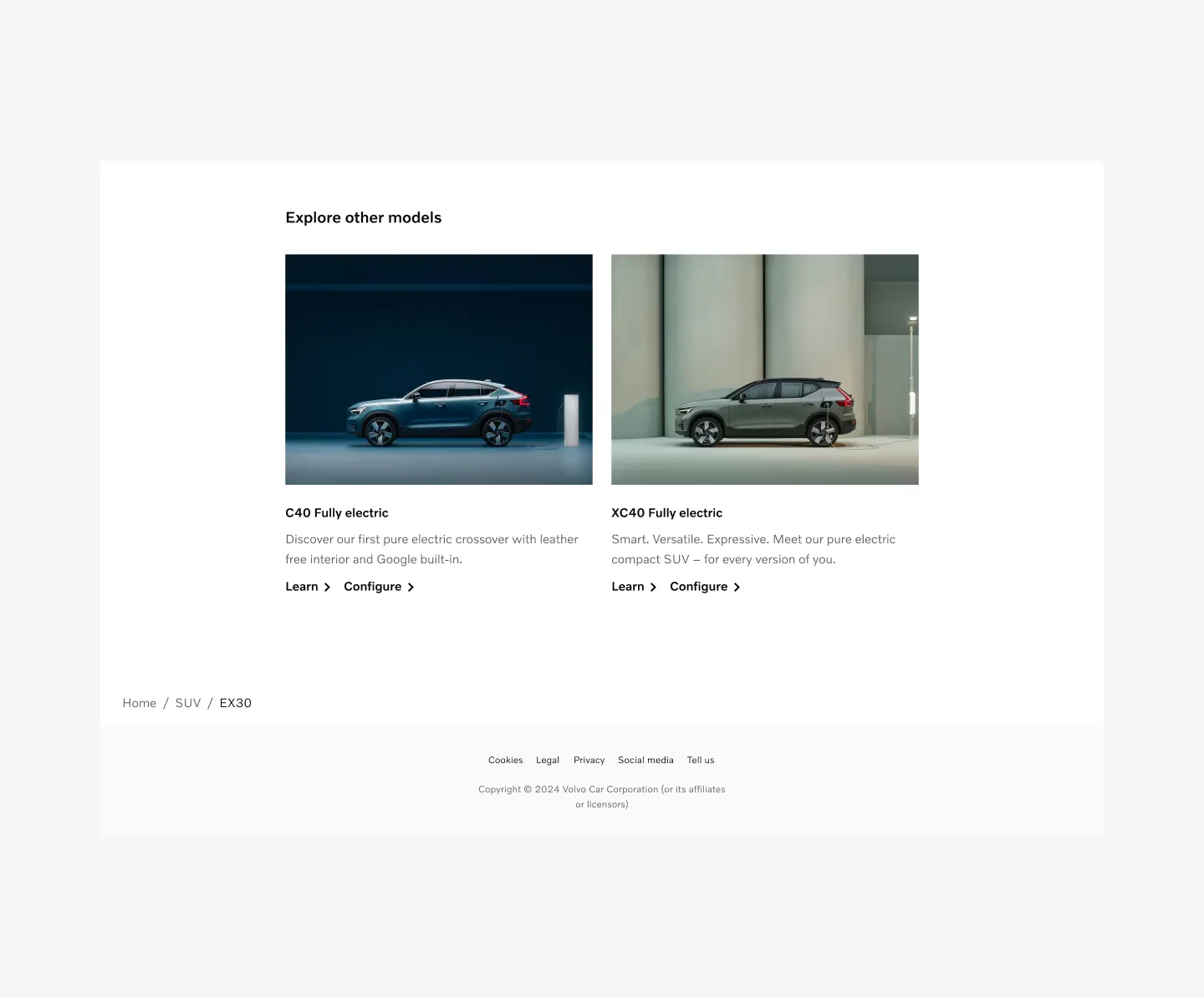
Displaying Breadcrumbs at the bottom of the page in lg breakpoint.
States
Section titled “States”Default
Section titled “Default”The Default state refers to the initial status of the tab. While it is not currently being interacted with, it is ready and available for interaction.
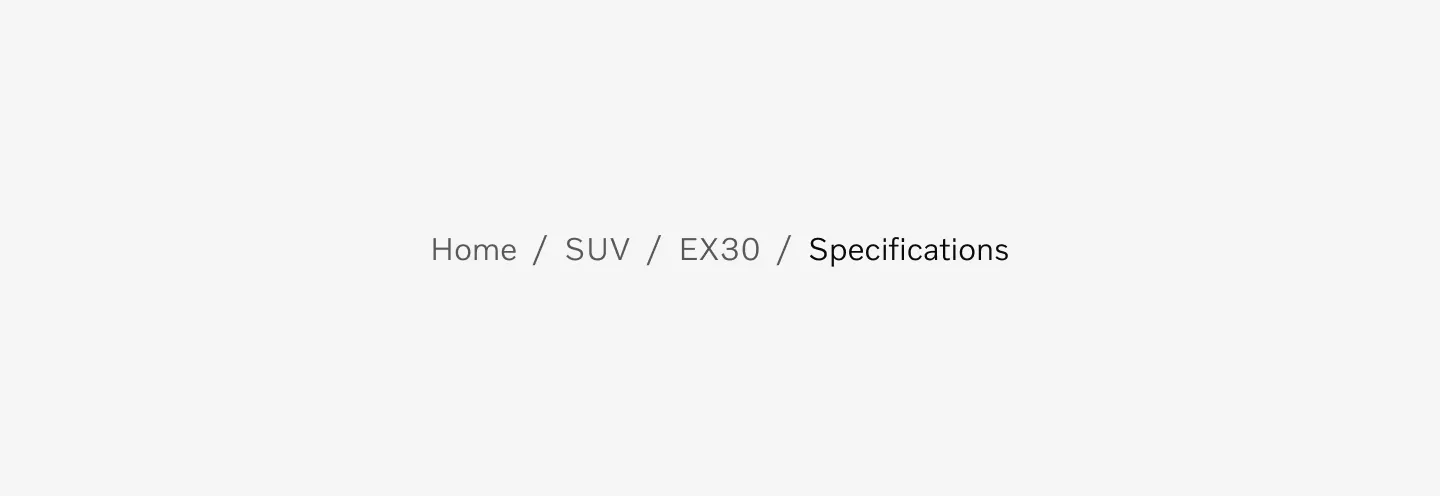
Displaying Breadcrumbs Trail in Default state.
The Hover state is shown when the user places a cursor over the trail on non-touch devices.
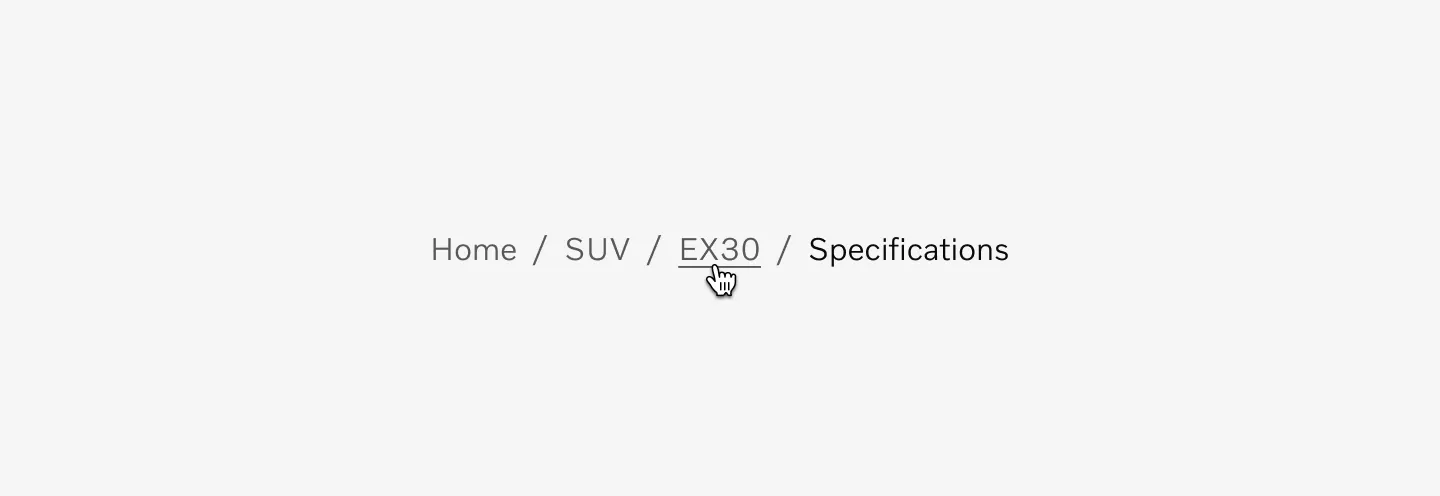
Displaying Breadcrumbs Trail on Hover state.
Pressed
Section titled “Pressed”The Pressed state communicates a user click, tap, or press. On touch devices the Pressed state is identical to the Hover state described above. On devices where the link can be hovered, the link is brought back to its Default state on press.
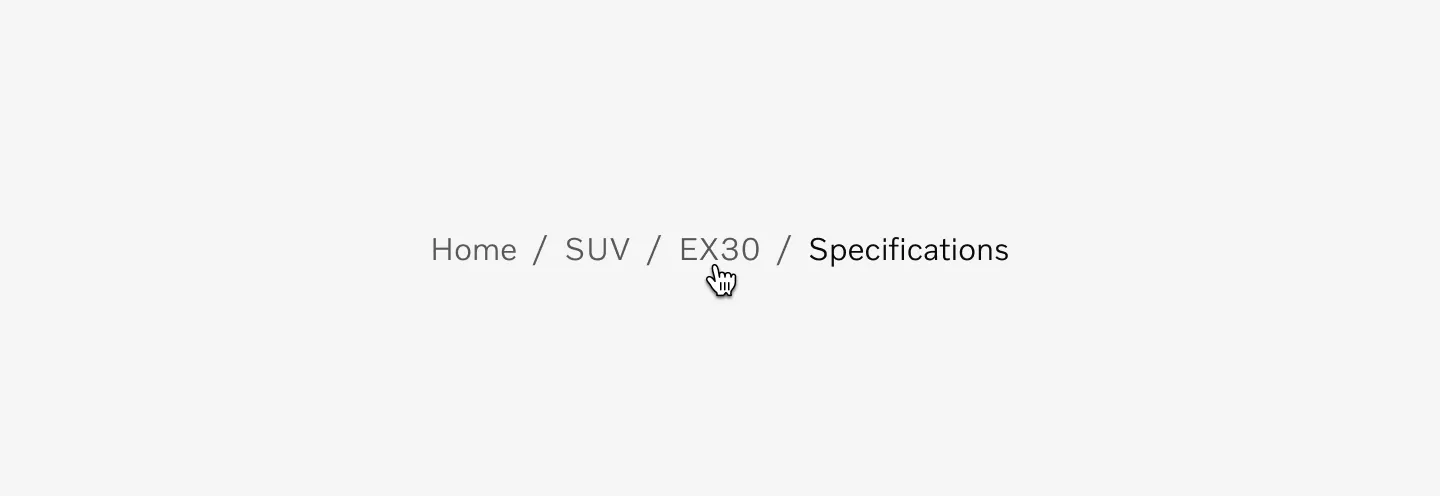
Displaying Breadcrumbs Trail on Pressed state.
Behaviors
Section titled “Behaviors”Interactions
Section titled “Interactions”Every page within the breadcrumb component should be interactive and link to its respective page, with the exception of the current page.
Users can activate an item by clicking on a breadcrumb page link. The separators between these links are not interactive.
Keyboard
Section titled “Keyboard”Users can navigate between breadcrumb links using the Tab and Shift-Tab keys. To trigger a breadcrumb link, press Enter when the link is in focus.
Color mode
Section titled “Color mode”Light mode
Section titled “Light mode”
Displaying breadcrumbs in lg and md breakpoints in light mode.

Displaying breadcrumbs at the sm breakpoint in light mode.
Dark mode
Section titled “Dark mode”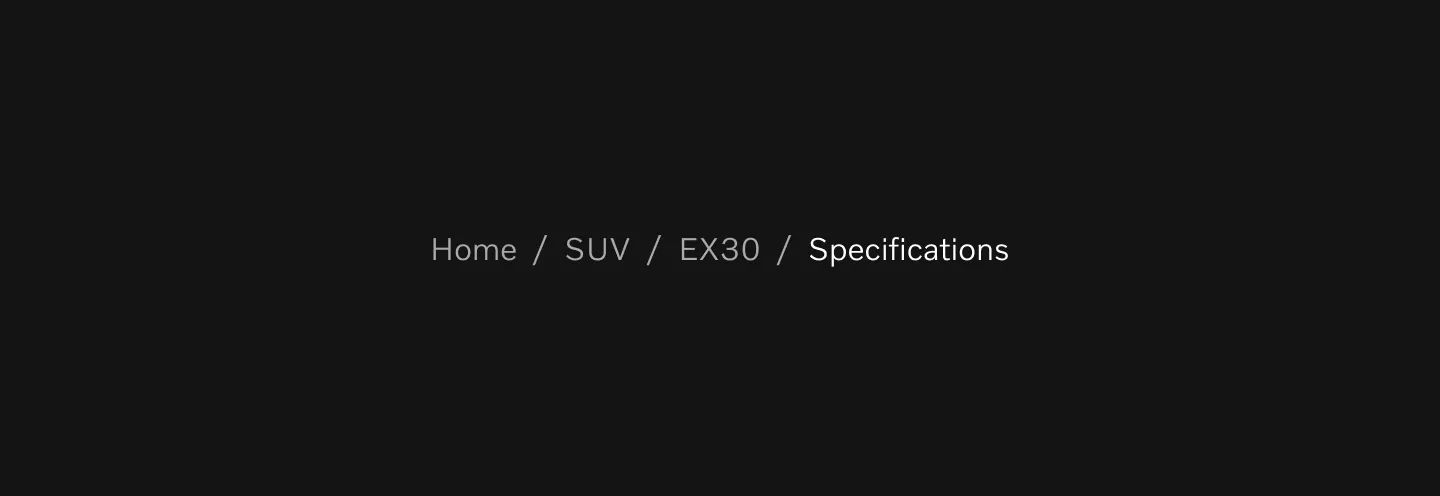
Displaying breadcrumbs in lg and md breakpoints in dark mode.

Displaying breadcrumbs at the sm breakpoint in dark mode.
Target size
Section titled “Target size”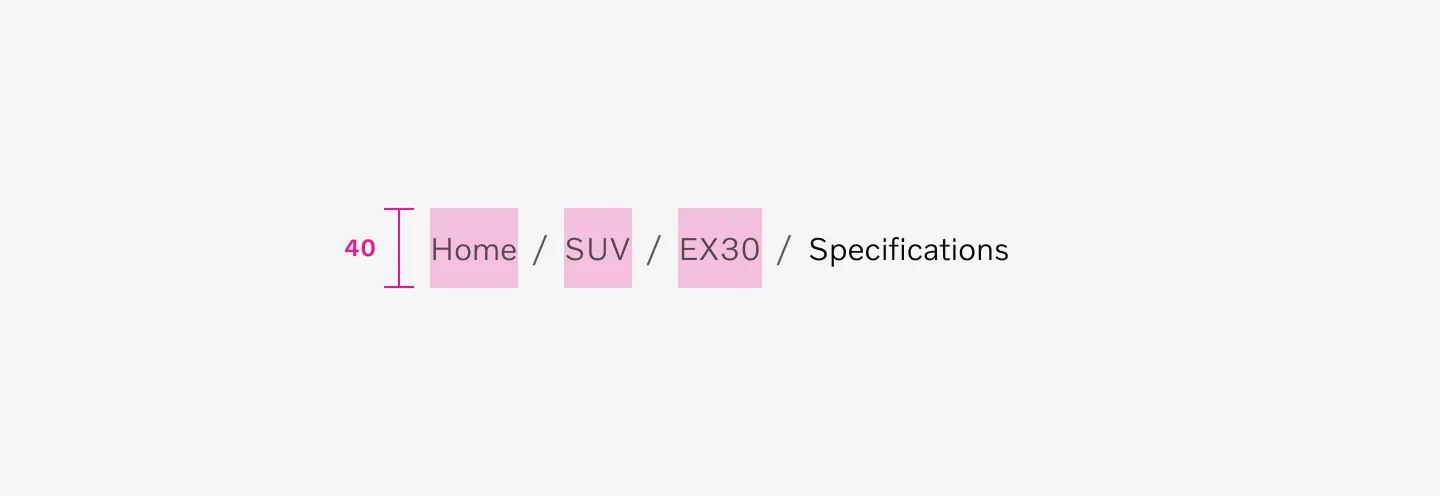
Breadcrumb Trails uses a 40px target size.
Spacing
Section titled “Spacing”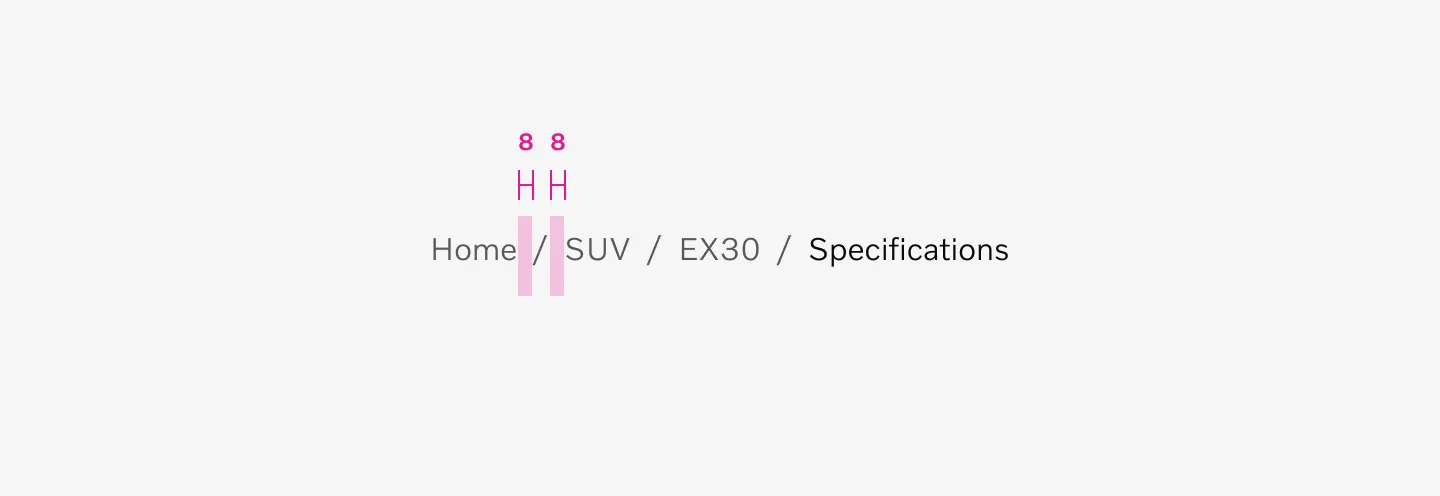
Breadcrumbs use an 8px spacer between links and separators.
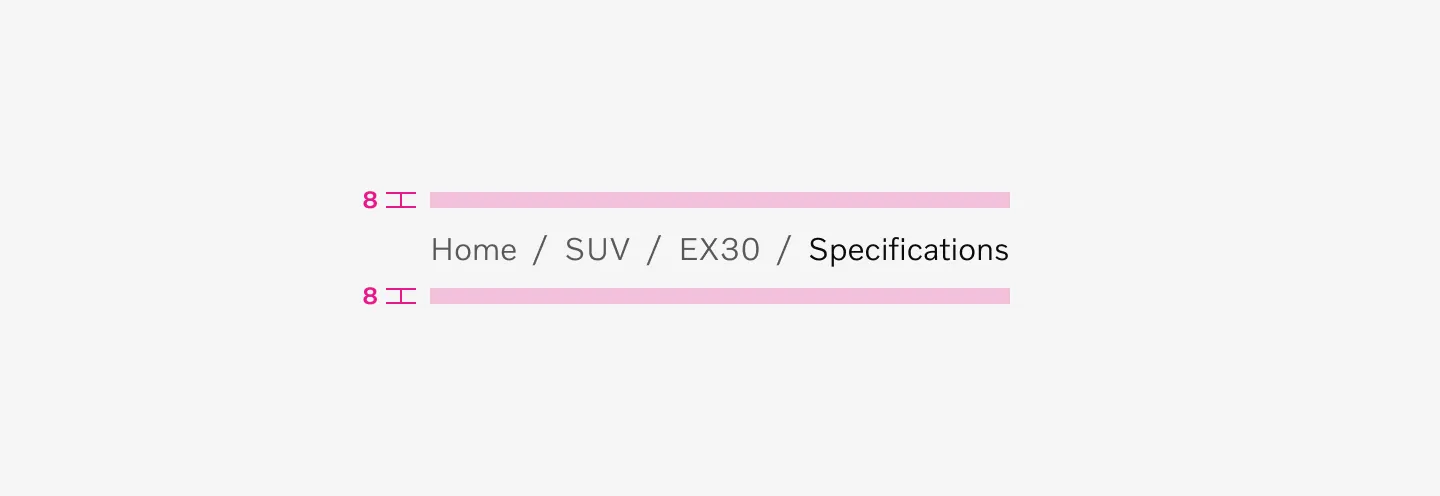
Breadcrumbs use 8px spacing at the top and bottom.
Char limit
Section titled “Char limit”Keep links and current page label as short as possible. Max 30 char.
Examples
Section titled “Examples”
Displaying Breadcrumbs in top of page on sm breakpoint.
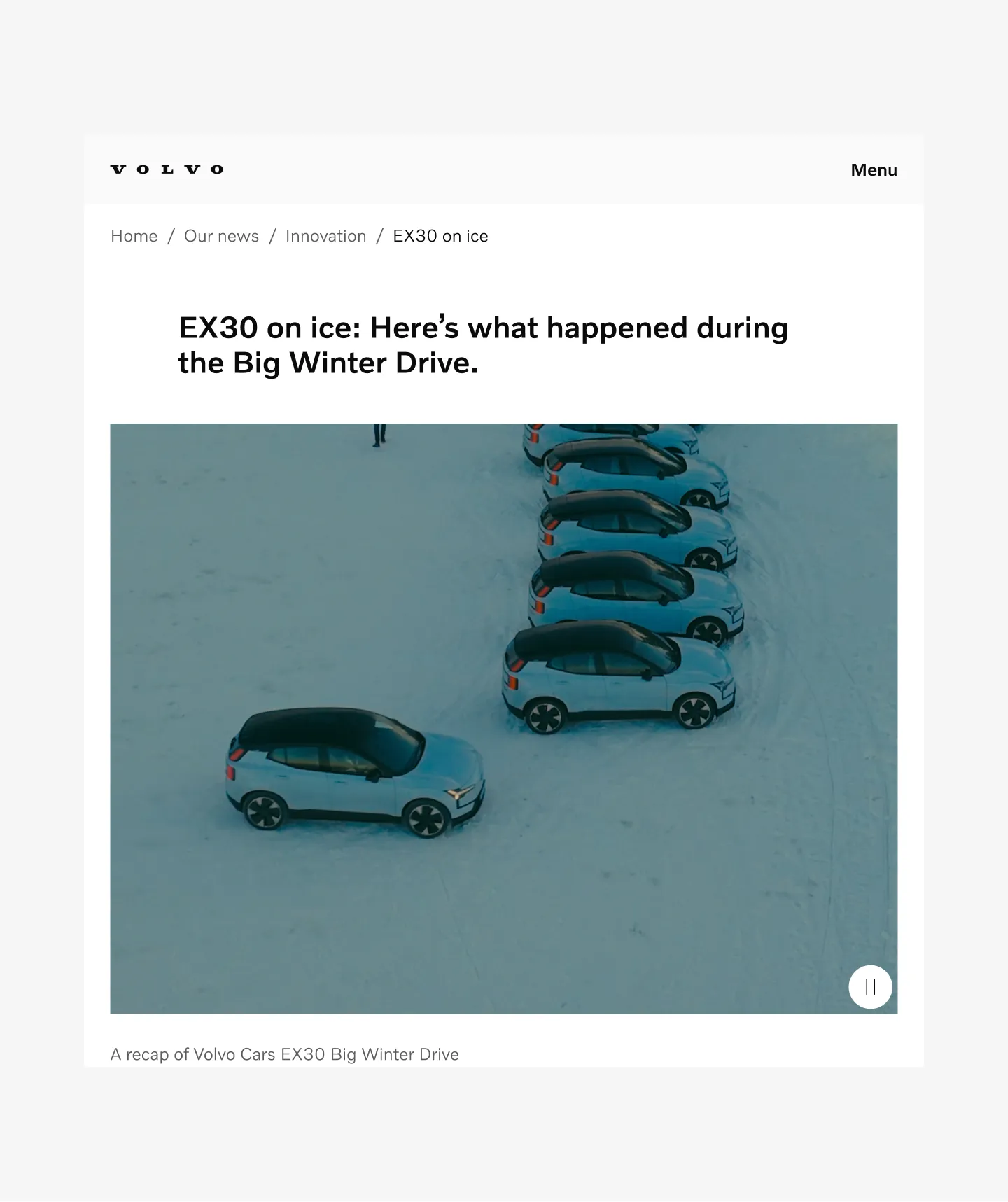
Displaying Breadcrumbs in top of page on md breakpoint.
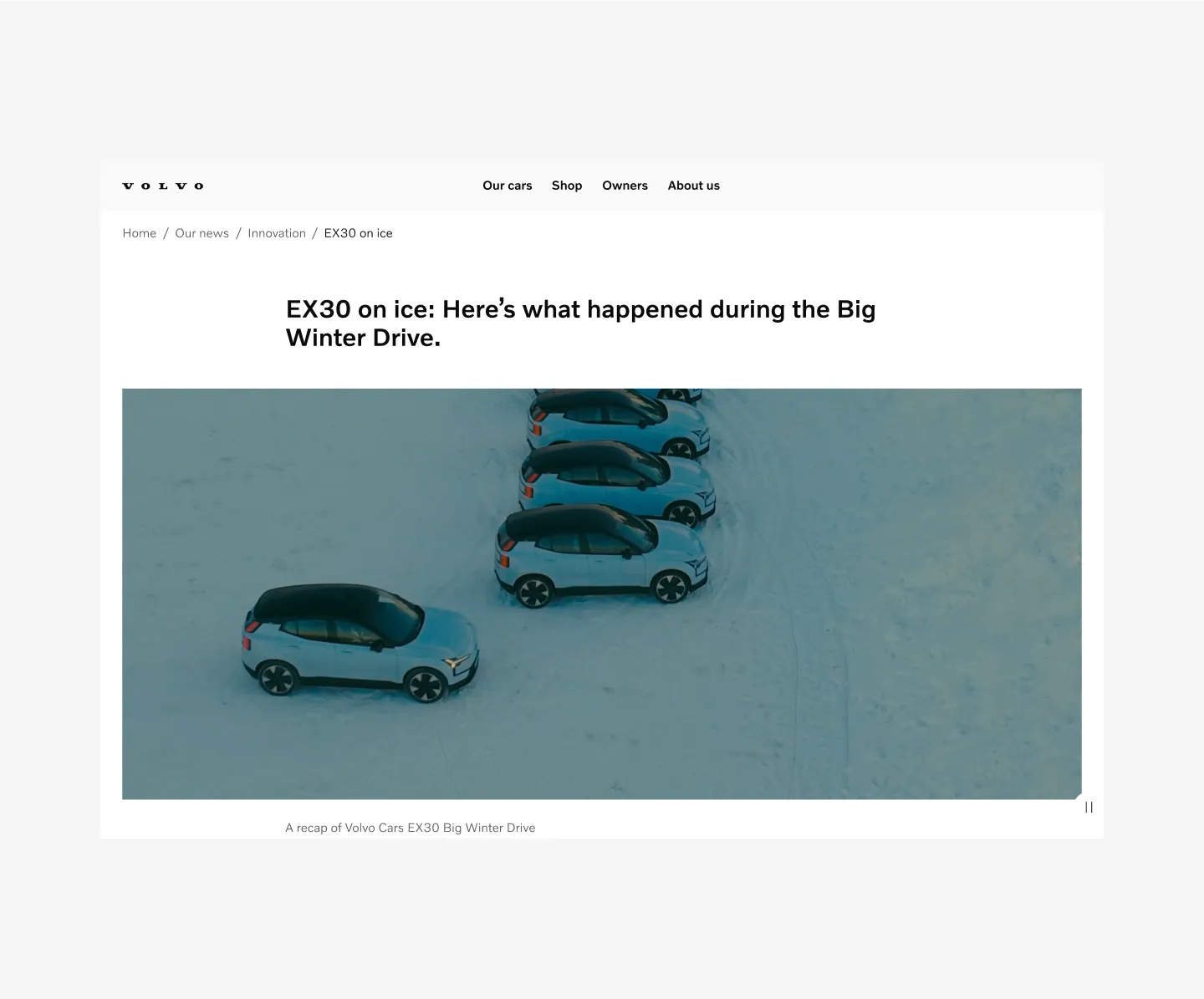
Displaying Breadcrumbs in top of page on lg breakpoint.
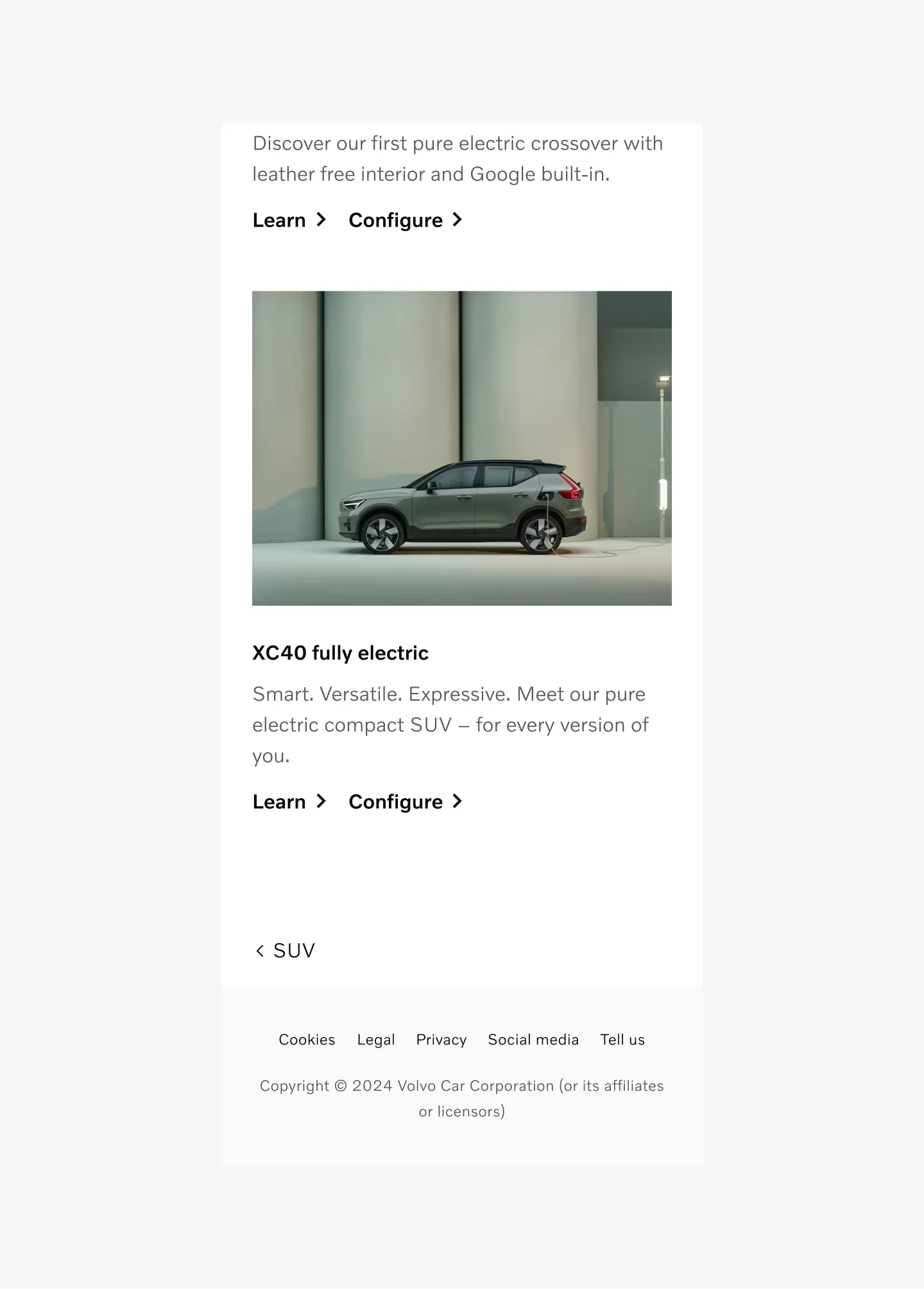
Displaying Breadcrumbs in bottom of page on sm breakpoint.
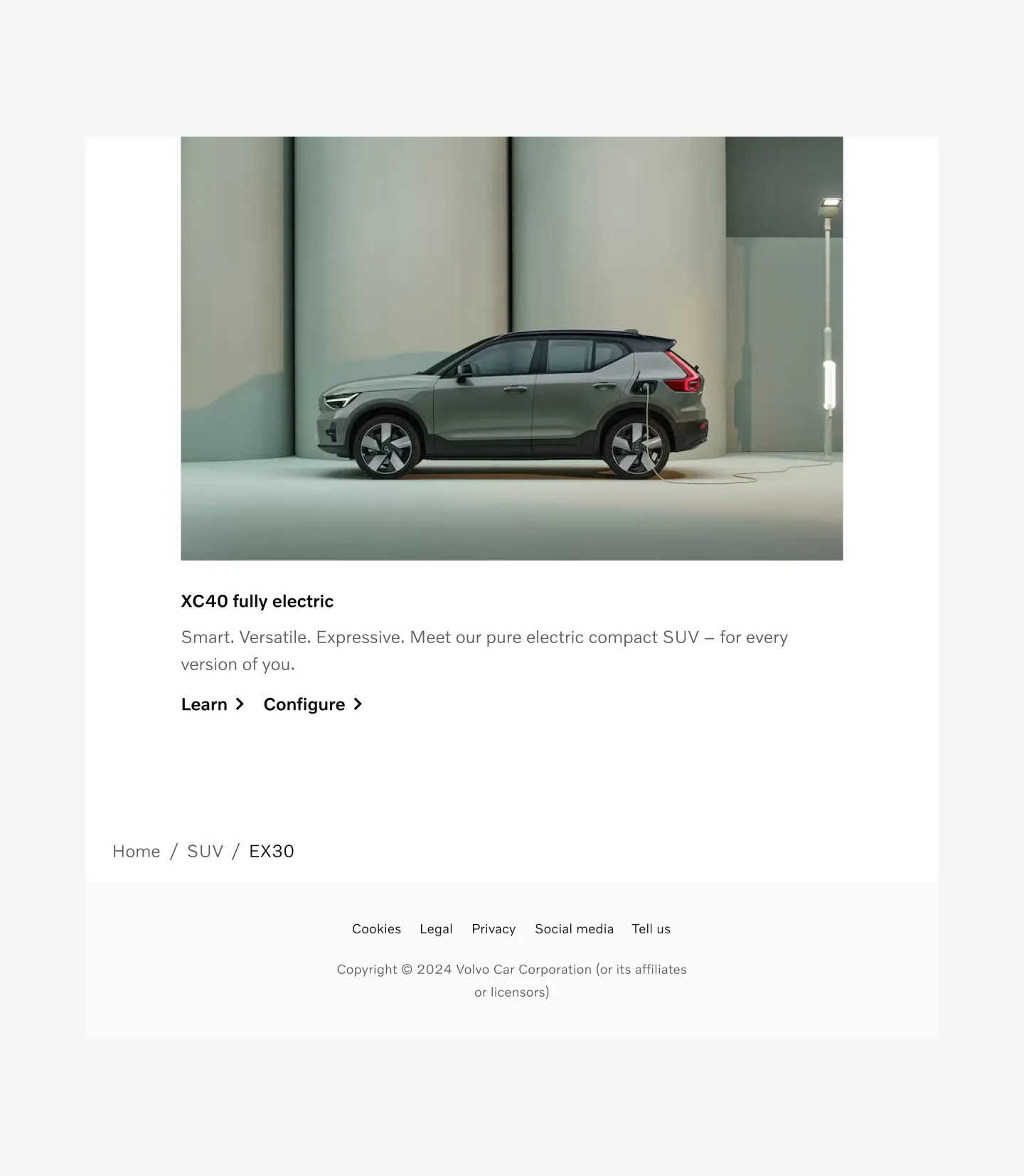
Displaying Breadcrumbs in bottom of page on md breakpoint.
Displaying Breadcrumbs in bottom of page on lg breakpoint.
Considerations
Section titled “Considerations”- Do not truncate text. Write shorter text instead.
- Do not show more than 5 links on
mdandlgbreakpoint. - For smaller devices use the
smvariant with back to last link of the trail. - Current page in breadcrumbs is not interactive and will not have any states.