Tiles

Interactive links and buttons with text or media.
Text tile
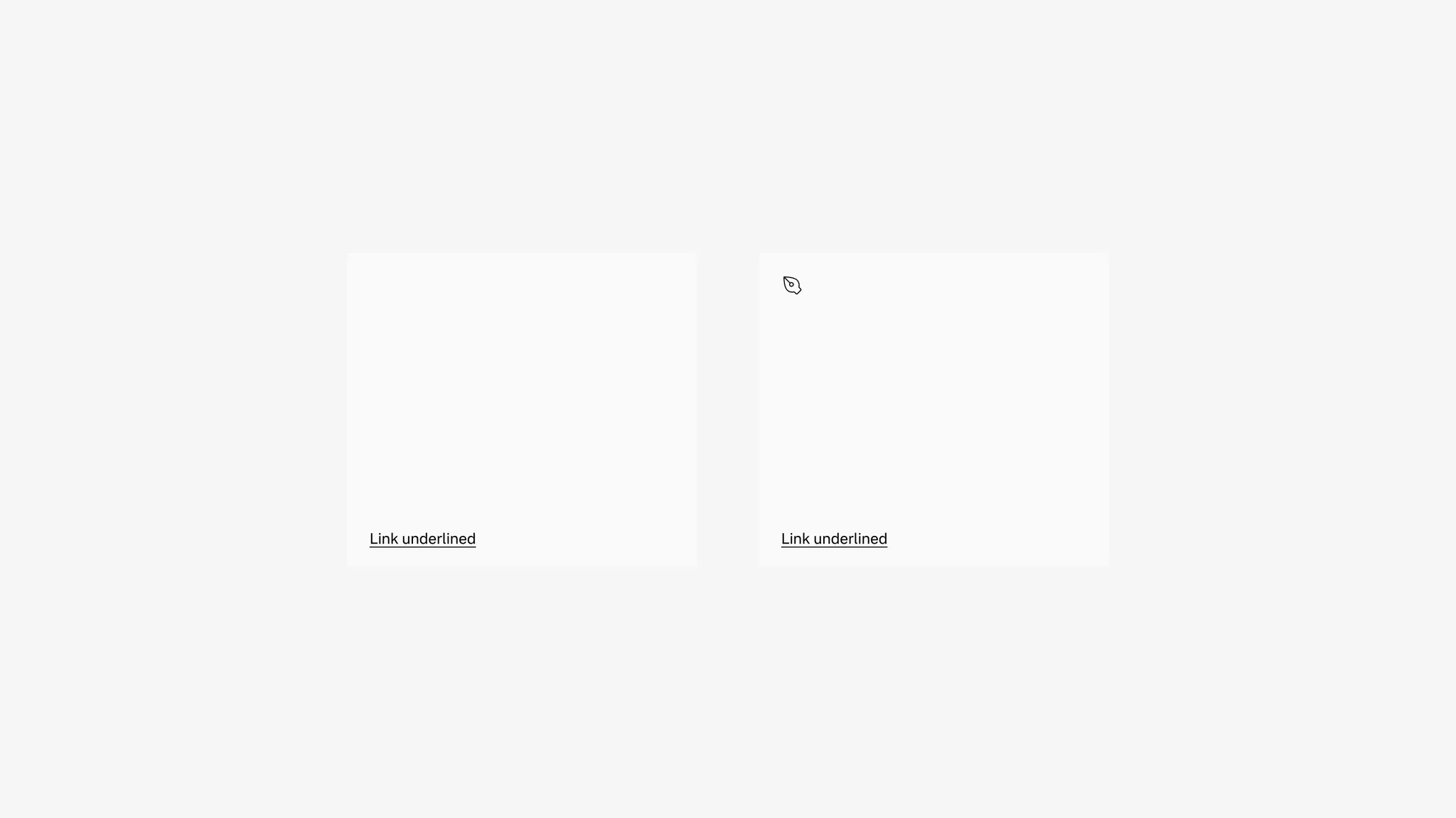
Section titled “Text tile”Use text tiles when a title and optional body text are enough to explain the destination. Add an icon when it helps people recognise the topic.
Media tile
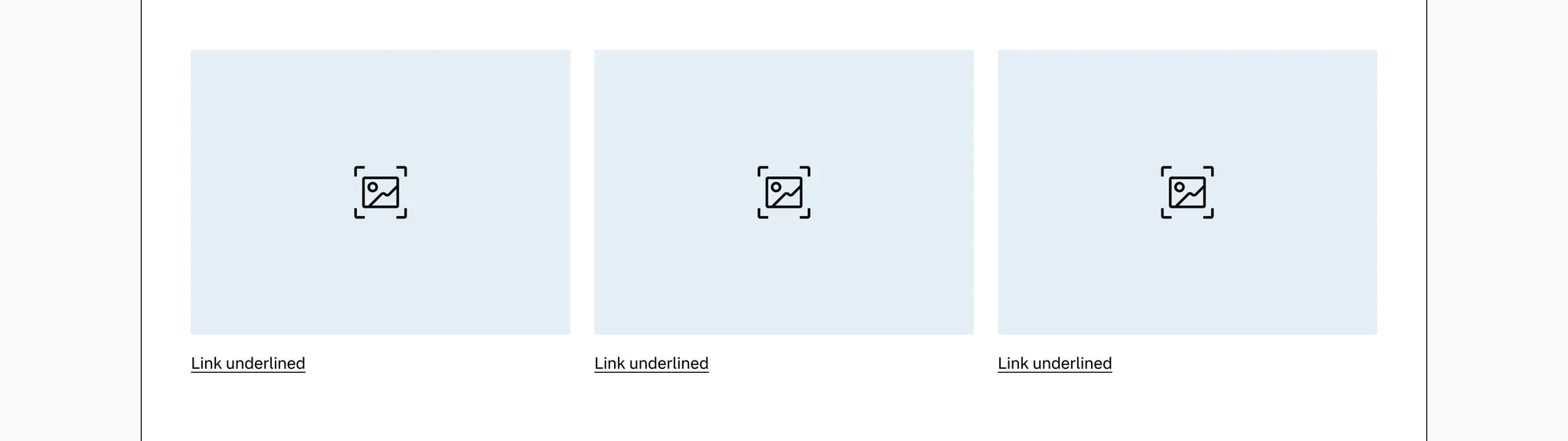
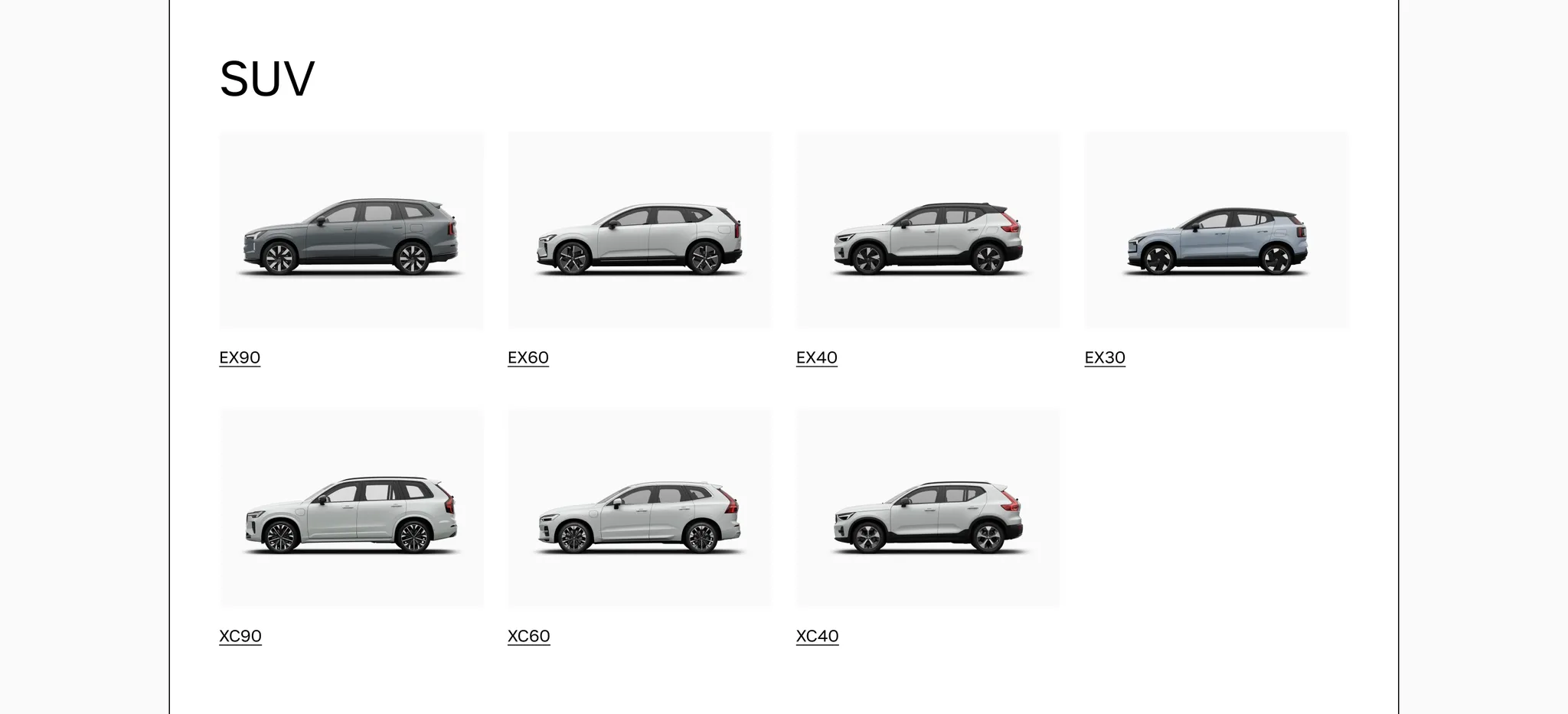
Section titled “Media tile”Use media tiles when an image helps explain the destination. The image sits above the text.
Keep image proportions consistent within a collection. See image proportions for an example and guidance on the hover crop.
Use the framed variant when tiles need a secondary background. Unframed tiles have a transparent background.
Spacing
Section titled “Spacing”Place tiles in a container with a suitable width and page margins. Avoid stretching a single tile across a wide desktop page; use a banner for a full-width callout.
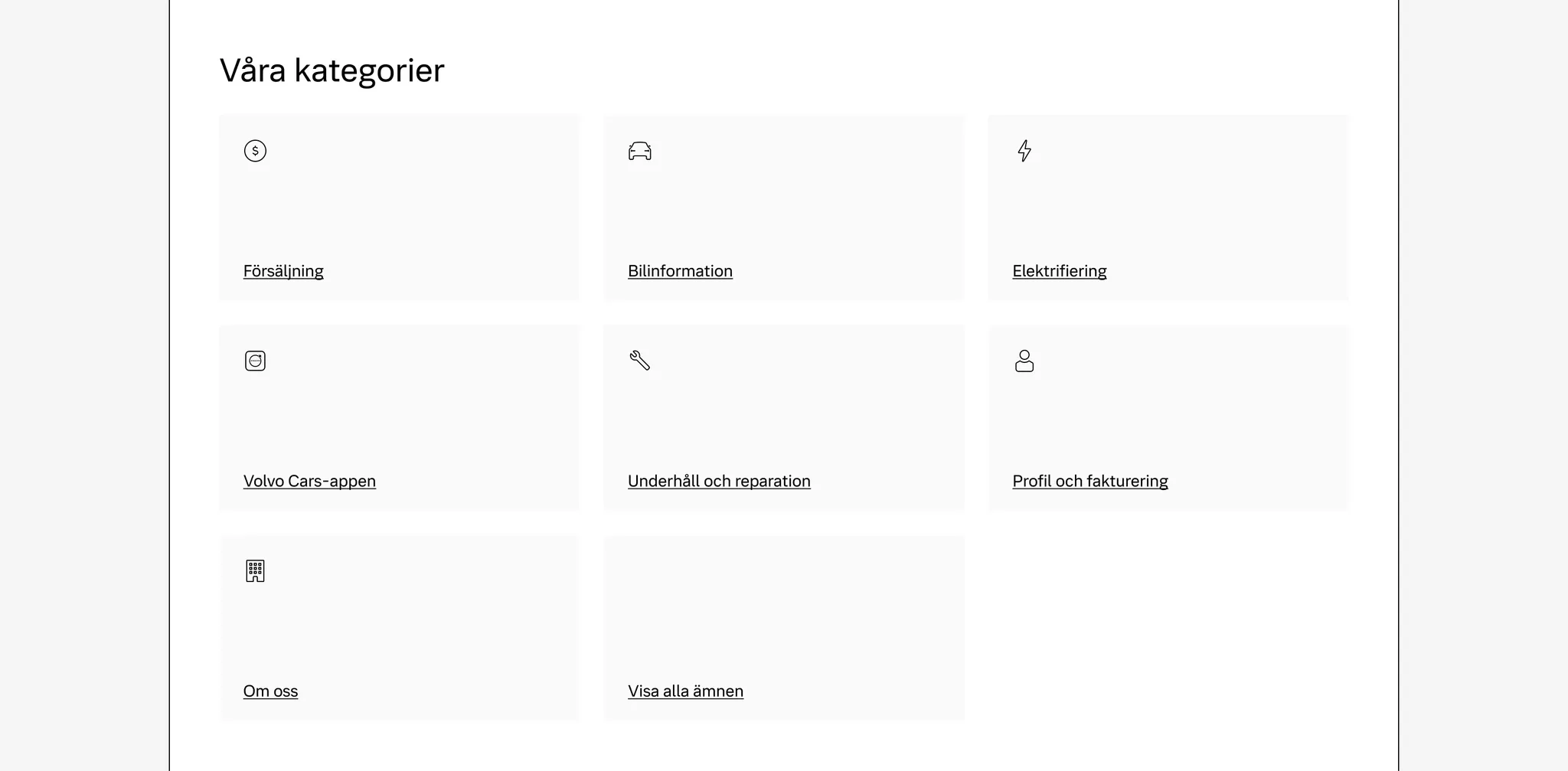
Use the existing responsive grid utilities to arrange a collection. See the tile examples for responsive collections.
Use gap-gridded-element, or pair gap-x-gutter with gap-y-24, for space between tiles.